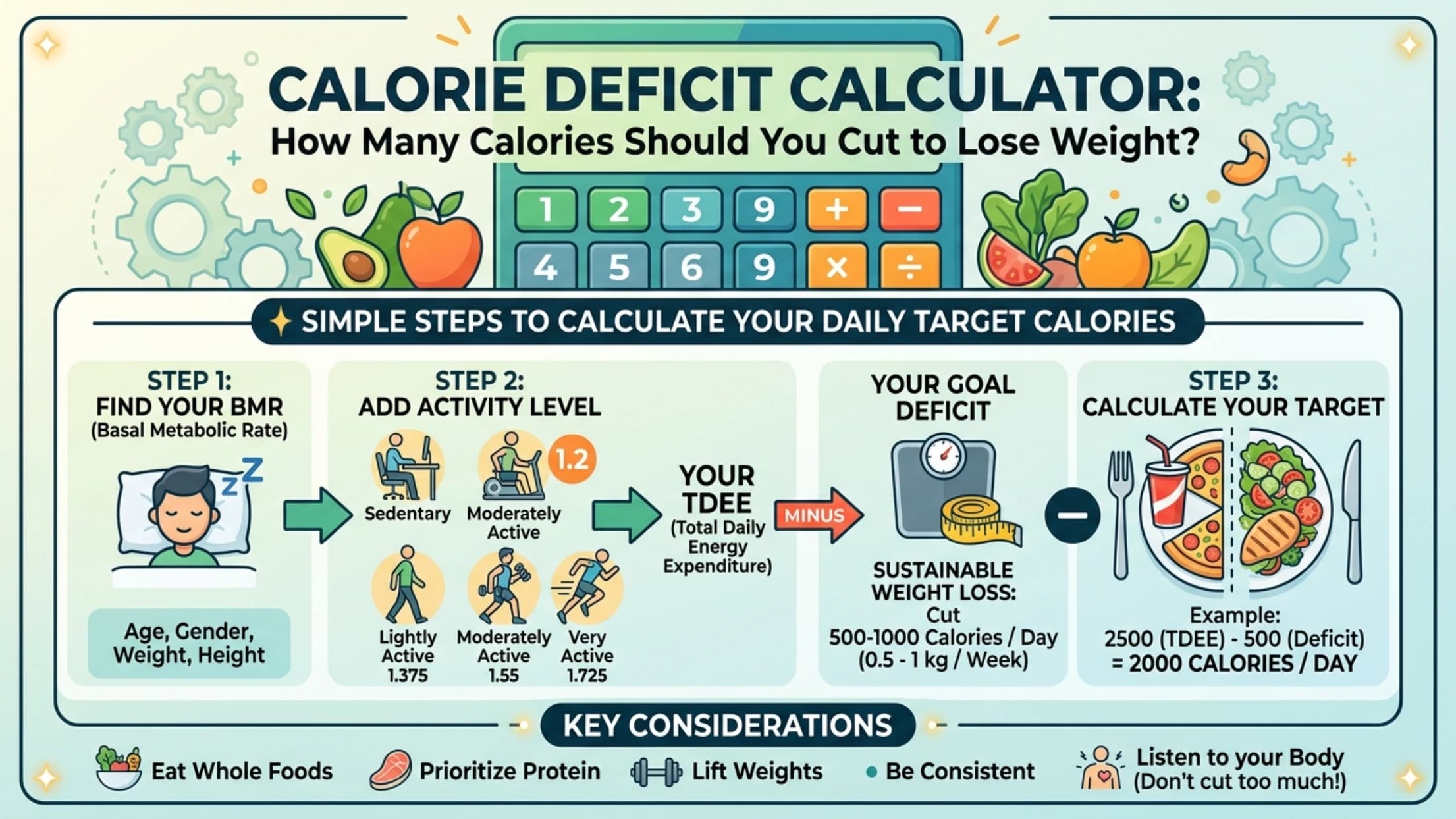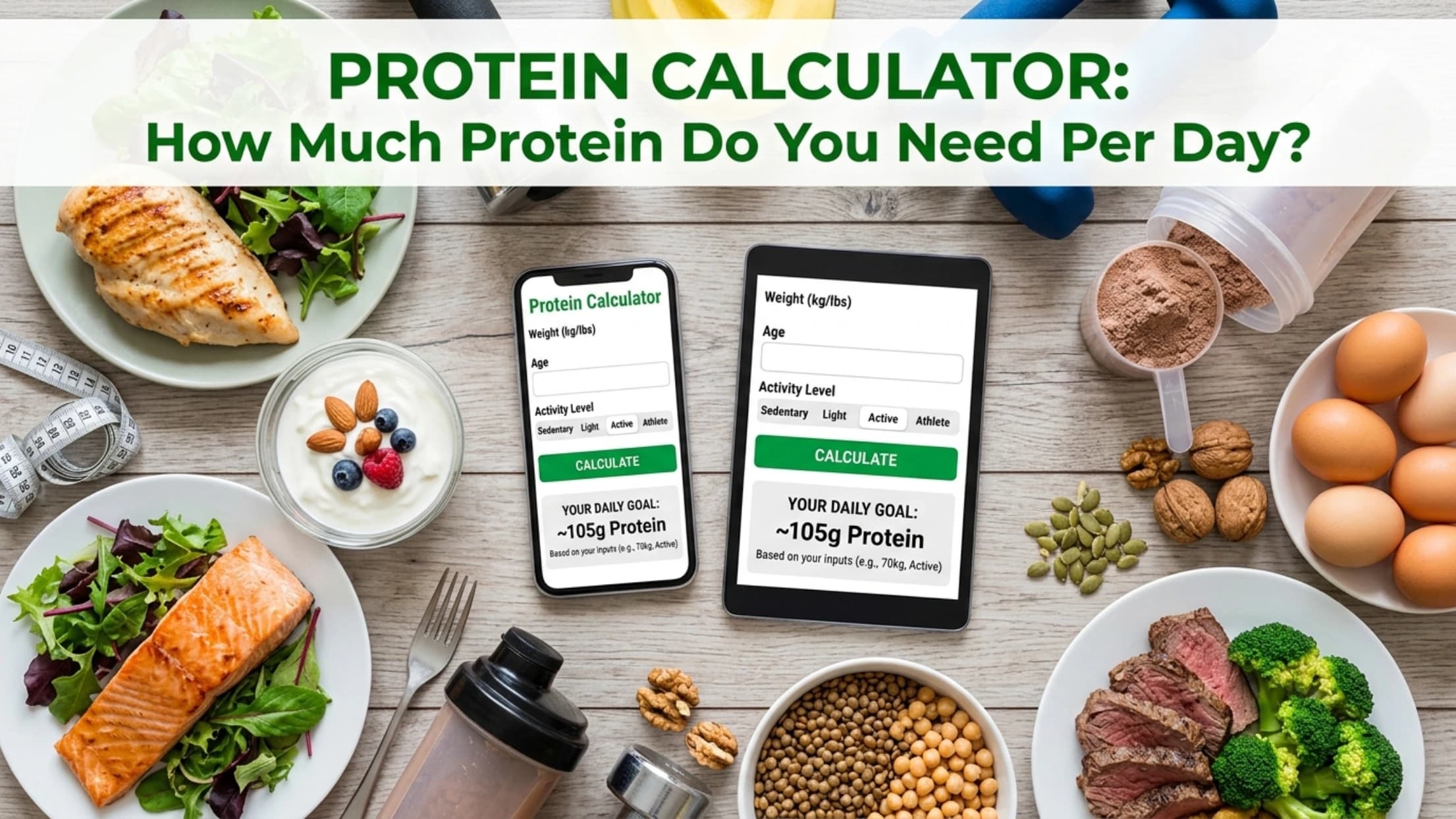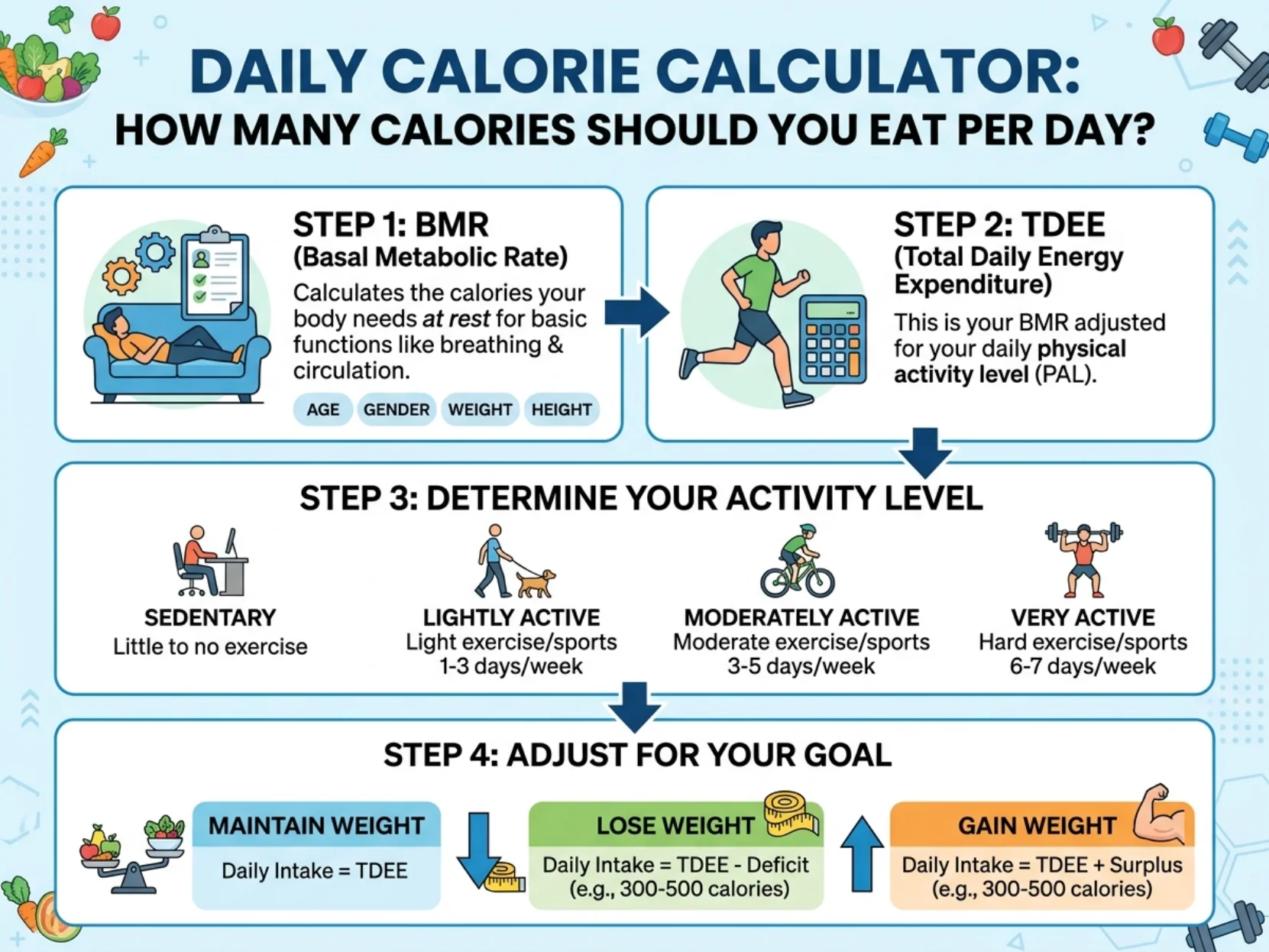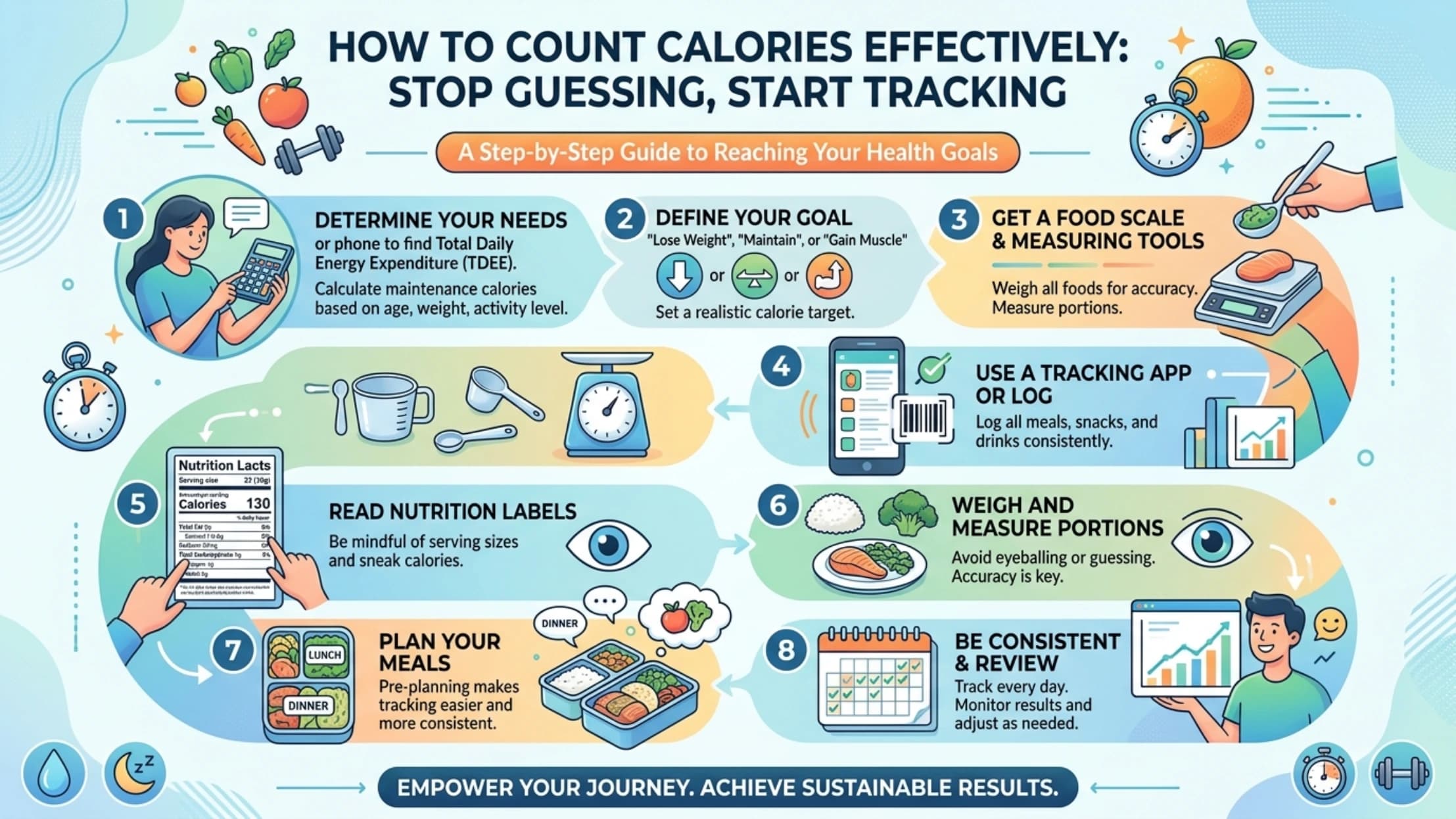
Counting calories doesn't have to be a chore.
If you've ever tried to lose weight, you know the struggle: manually logging every meal, searching through endless food databases, and eventually giving up after two weeks.
Why Manual Calorie Counting Fails
Research shows that 95% of people quit calorie tracking within 30 days. The main reasons?
- It's time-consuming: Spending 10-15 minutes after each meal to log food
- It's inaccurate: Guessing portion sizes leads to 20-40% error rates
- It's frustrating: Searching for "homemade beef stew" returns nothing useful
- It breaks the habit loop: Miss one meal, feel guilty, eventually stop tracking
The Solution: AI Photo Calorie Counter
Modern AI technology has changed the game. Instead of manual logging, you simply snap a photo of your food and get instant nutrition data.
Here's how it works:
- Take a photo — Point your camera at your meal
- AI identifies the food — Recognizes dishes, ingredients, and portions
- Get instant results — Calories, protein, carbs, fat in 8 seconds
Why AI Photo Recognition is More Accurate
Unlike manual entry where you guess portion sizes, AI photo recognition uses:
- Visual analysis: Measures food volume from the image
- Context understanding: Recognizes cooking methods (fried vs. grilled)
- Database matching: Compares against 2M+ verified food entries
Common Mistakes to Avoid
Even with AI tools, here are pitfalls to watch for:
- Not photographing everything: Include sauces, dressings, and sides
- Bad lighting: AI needs clear images to identify food accurately
- Ignoring portion sizes: A large vs. small plate makes a big difference
- Forgetting drinks: That latte has 150+ calories
How to Build a Sustainable Tracking Habit
The key to success is making tracking effortless:
- Keep your phone accessible: Take the photo before you start eating
- Don't obsess over perfection: 80% accuracy is enough for weight loss
- Review weekly, not daily: Focus on trends, not individual meals
- Celebrate consistency: Streak tracking keeps you motivated
Start Your Journey Today
CalorieAI makes calorie tracking simple. Just snap a photo and get instant nutrition data.
Try it free — no credit card required.